01 / ROUTE
Put every message in context.
Organize by customer, market, channel and owner so history is not lost between teammates.
Workspace objects →Route inbound conversations, keep replies consistent, and give every teammate clear ownership across markets and time zones.
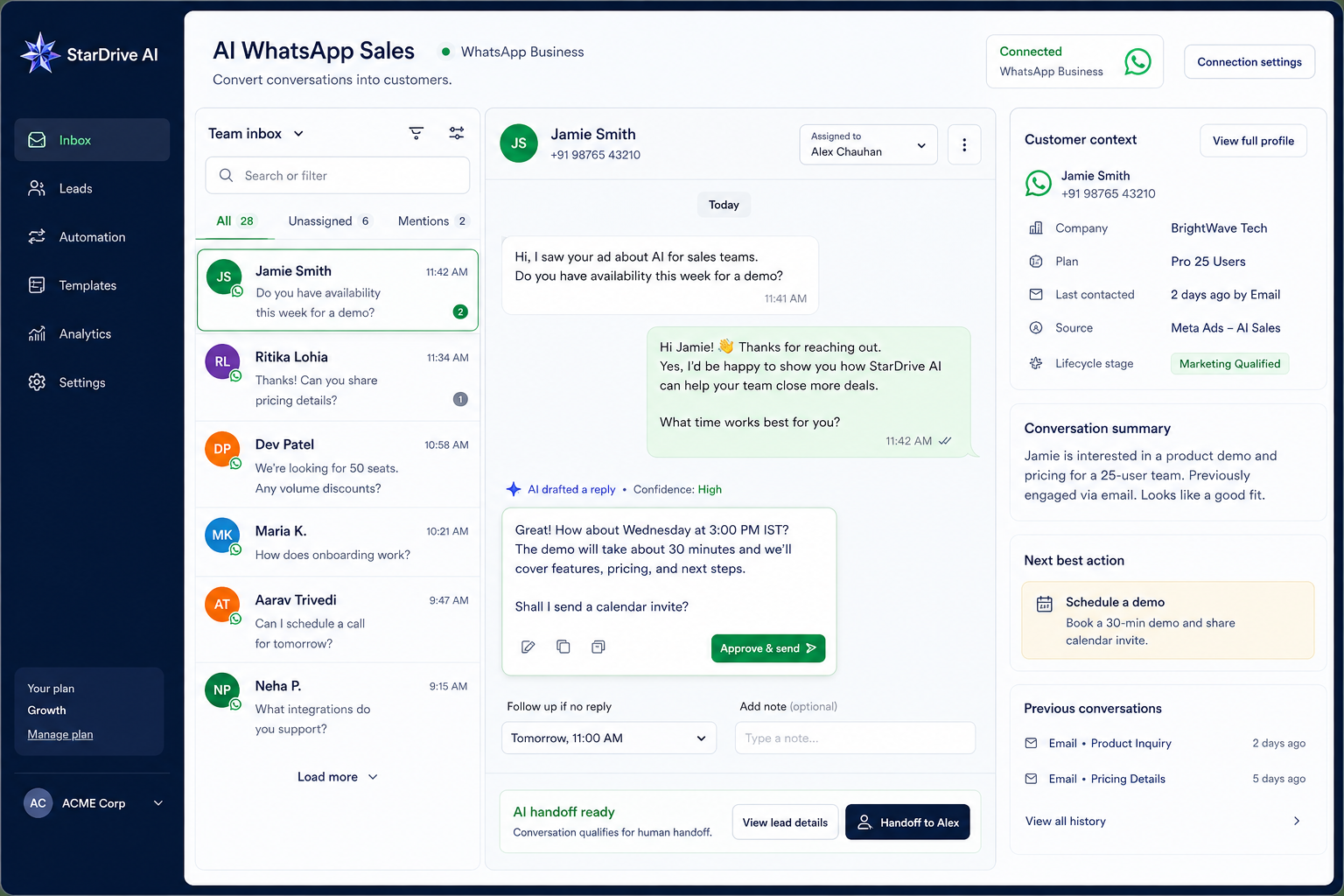
One visual connects the customer message, shared inbox, routing, owner and next action.
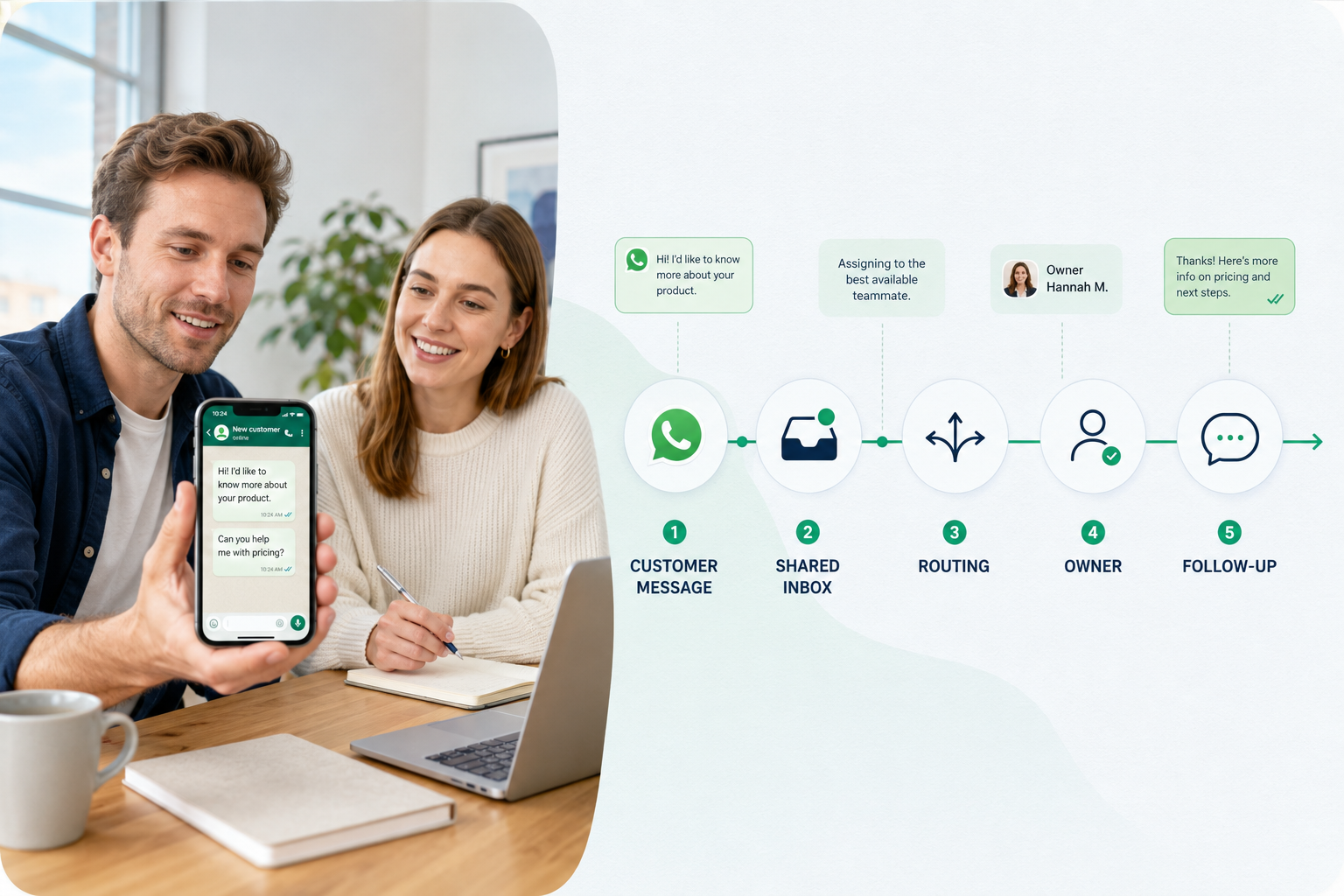
AI WhatsApp Sales is built around the customer thread and the team decisions around it: route, assist, hand off and follow through.
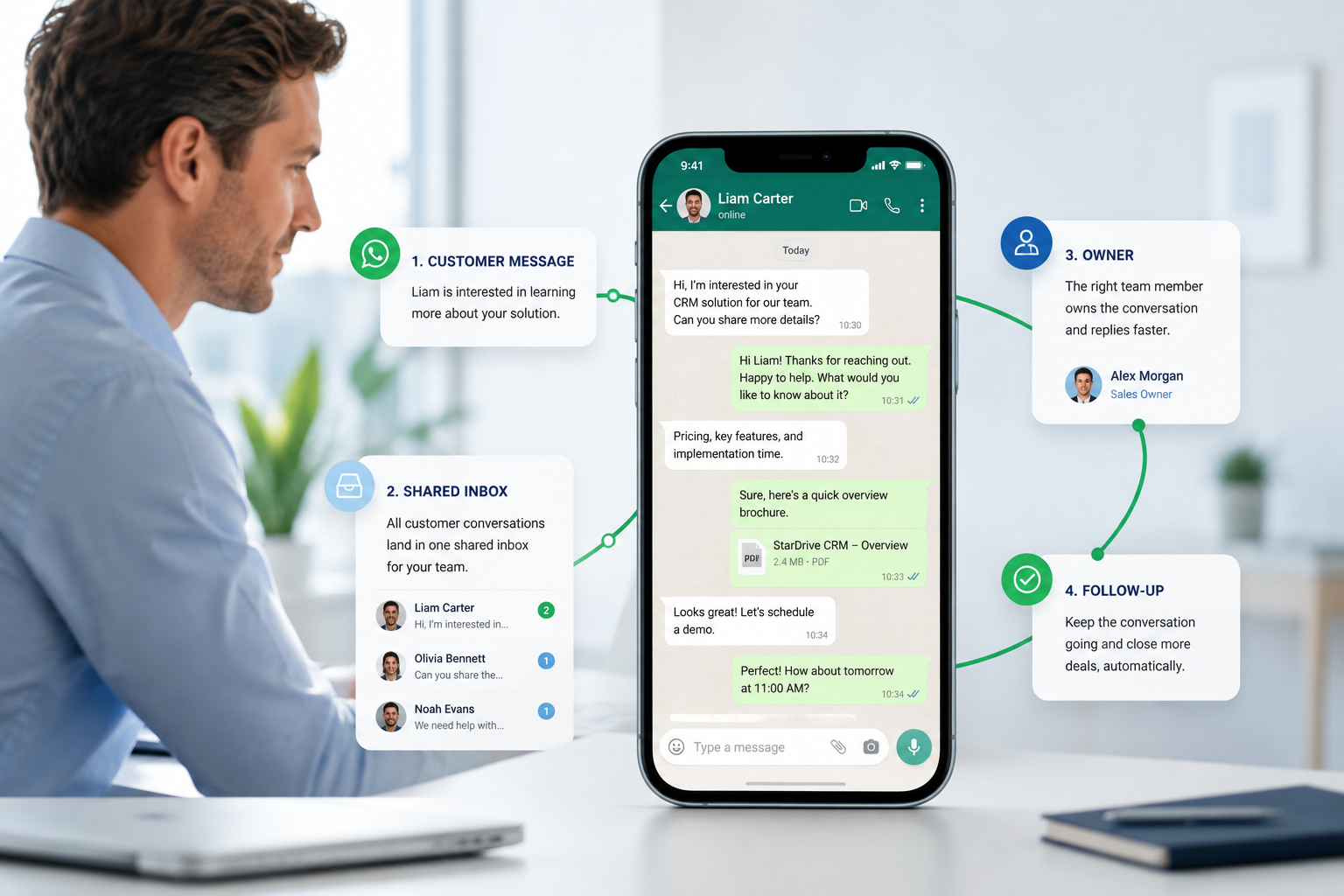
Organize by customer, market, channel and owner so history is not lost between teammates.
Workspace objects →Use company knowledge, product facts, templates and escalation rules to support consistent replies.
Knowledge and templates →Pricing, complaints, refunds, legal questions and uncertainty should reach the right teammate.
Control and safety →Track response time, ownership, follow-up and conversion signals across the team.
Monitoring →The advantage is a clear conversation operation: generous team scope, visible handoff and approved automation, while Meta message fees stay separate.
For teams starting with a shared inbox, approved templates and a visible handoff path.
For growing teams that need approved automation, more operators and reporting around the customer journey.
For operators that need broader channel scope, stronger role boundaries and managed onboarding.
Competitive position: lower headline pricing than the major workspace platforms, with more included operator room at the growth and scale levels. Monthly active contacts must be defined in product billing; Meta template/message fees, number costs and BSP charges remain separate.
The deeper product keeps the things around the message connected, so operators can act without opening five different systems.
Keep a customer view with company, market, lifecycle, notes, files, ownership and the conversation history that matters.
See the latest customer message, previous context, response mode, risk signal, owner and next action in one thread.
Manage company, product, FAQ, policy and logistics sources so the assistant answers from material the team has approved.
Keep reusable messages and approved business templates close to the channel and the customer communication policy.
Assign Front Desk, Sales or Support responsibility, keep the long-term owner visible and let escalation override it when needed.
Track structured actions, handoffs, follow-up reminders and review history without exposing internal service details.
The workspace combines company knowledge, customer context and approved templates with human control. It helps the operator see the answer and the reason before the conversation moves on.
The customer-facing product stays focused on the work: knowledge, reply, handoff and next action. Technical configuration stays behind the scenes.
Discuss your conversation workflow →Use the workspace knowledge categories that describe what the business actually sells, supports and promises.
Answer from known factsKeep the recent thread, customer record, market and stage available when deciding how to respond.
Keep the relationship in viewUse approved templates when the channel or business process requires them, with a clear route to review.
Respect channel rulesEscalate uncertainty, pricing, complaints and sensitive cases rather than forcing an answer that the system cannot support.
Know when to stopThe workspace can support a human-only thread, an assisted draft or an explicitly enabled automated path. The choice remains visible at the conversation level.
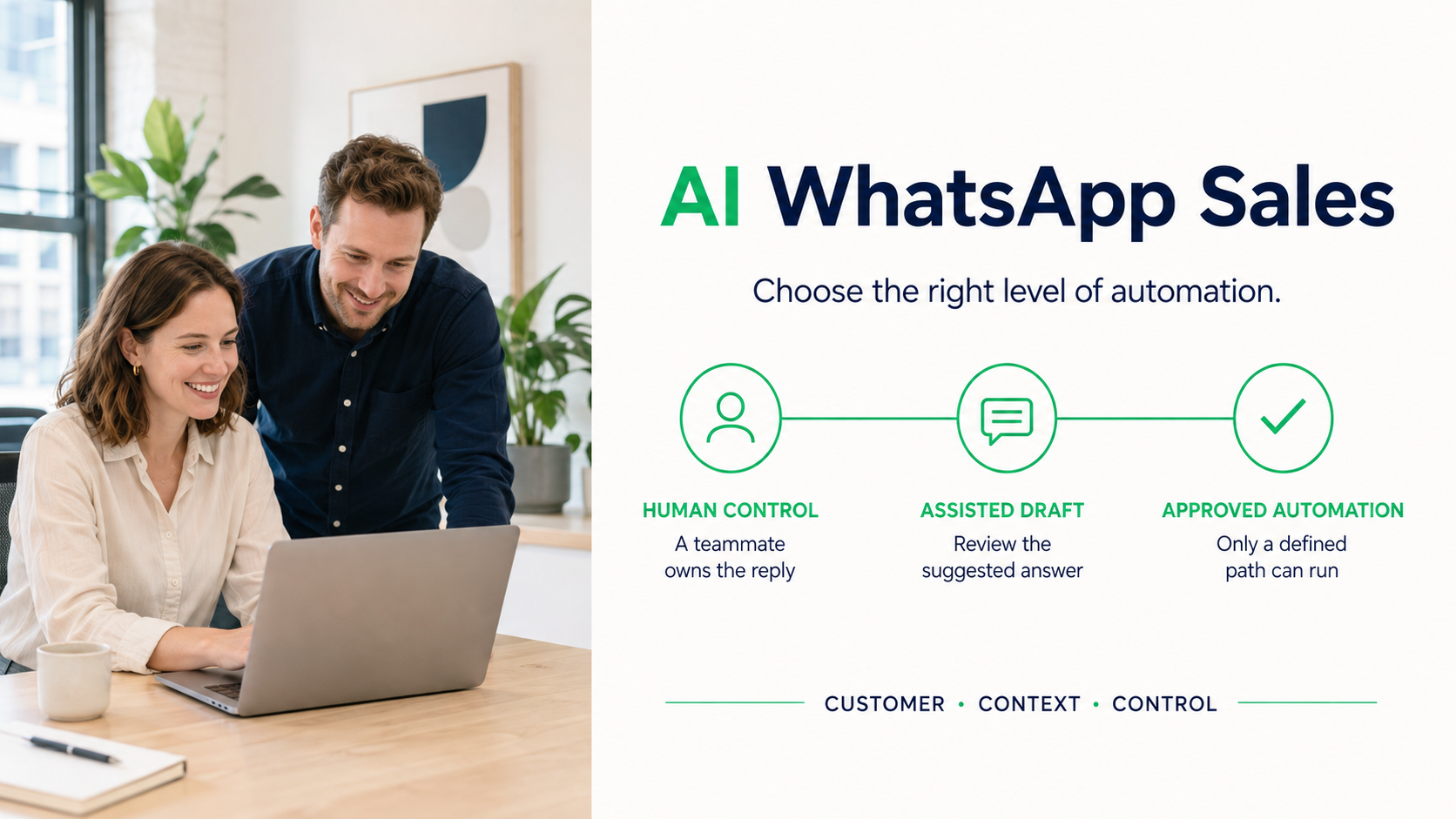
Use when the message needs judgment, negotiation, complaint handling, a sensitive answer or an exception.
A human reviews the context, suggested response, supporting knowledge and risk before customer-facing action.
Explicit workspace policy, channel conditions, permissions and safety checks still apply. Automation does not bypass ownership.
A unified StarDrive account gets the team into the product. WhatsApp Business onboarding is a separate connection for the customer’s own channel.
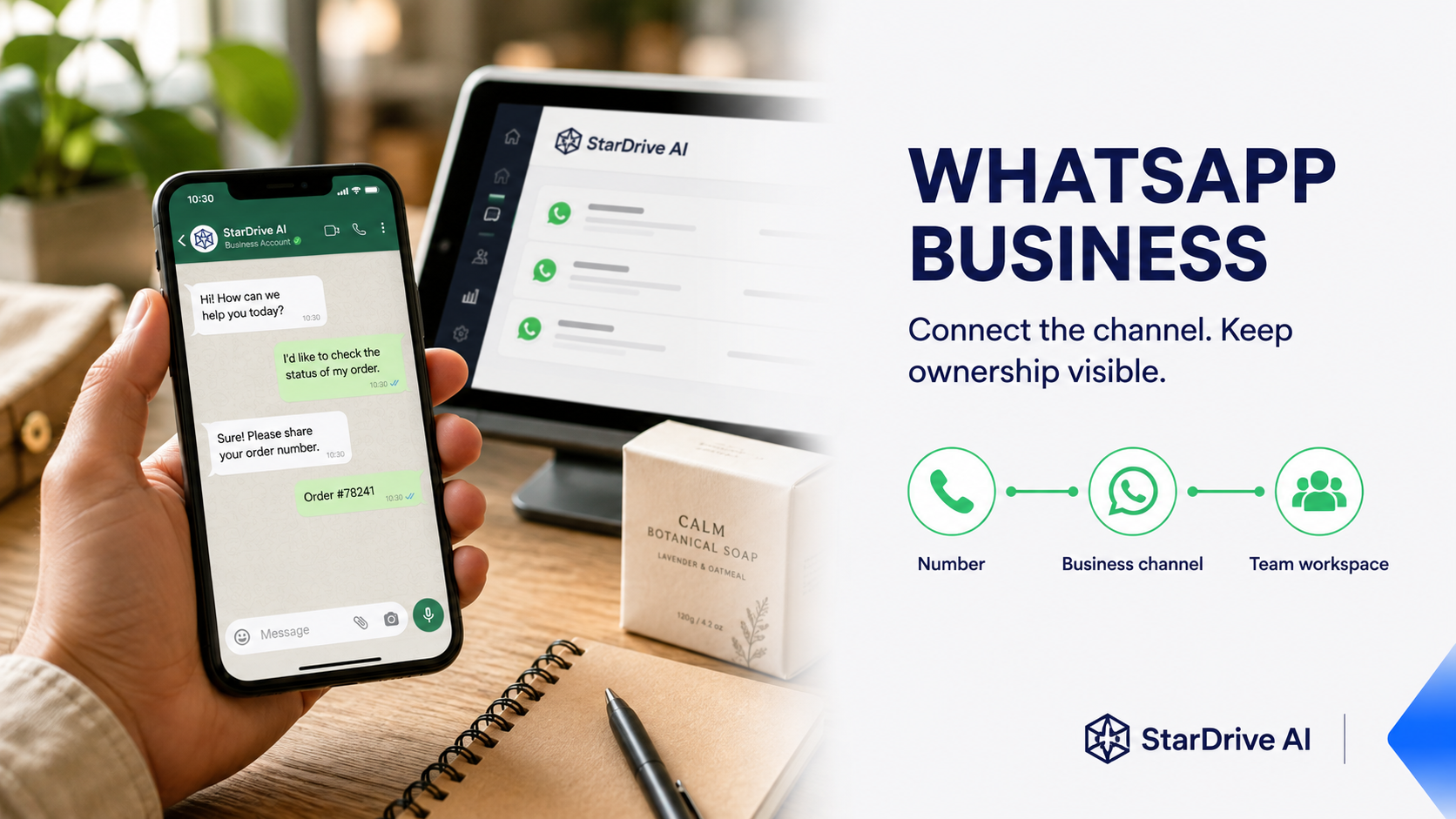
Open the AI WhatsApp Sales workspace the account is entitled to use.
Connect the approved number and business assets to the intended route.
Every inbound and outbound action resolves through the active channel boundary.
See which conversations are waiting and how quickly the team is responding.
Know who owns the relationship, who received the handoff and whether the next action is complete.
Keep company, country, product, quantity, timeline and next action in the customer record when confidently known.
Structured actions, confidence, review status and channel results stay traceable to the workspace.
AI WhatsApp Sales turns conversation activity into a team operating view. It helps a manager see where response time, ownership or knowledge is preventing a customer from moving forward.
Enter the WhatsApp workspace →The product is designed for customer-facing work where context, timing and responsibility matter as much as the reply itself.
No. The inbox is the center of the conversation, but the workspace also connects customer records, knowledge, templates, team ownership, handoff and monitoring.
The workspace supports human control, assisted drafts and explicitly approved automation paths. Sensitive, uncertain or high-risk cases should be handed to a person.
The customer owns the business number and the related business assets. The connection is onboarded into the intended isolated workspace rather than shared across customers.
The channel policy determines whether a free-form reply is allowed. When a template or human action is required, the workspace makes that next step visible.
Open the unified entry path or talk with us about the number, team and handoff rules your business needs.