StarDrive AI Workspaces
WORKSPACE DIRECTORY

Choose the workspacefor the work in front of you.

Three products, three operating objects, one clear account path. Start with the workflow your team needs now and add the next one when the work is ready.

SEARCH · OUTREACH · CONVERSATIONS
THREE FOCUSED PRODUCTS

Each workspace earns its own page.

The common shell gives the brand continuity. The detail below tells you what the product actually manages.

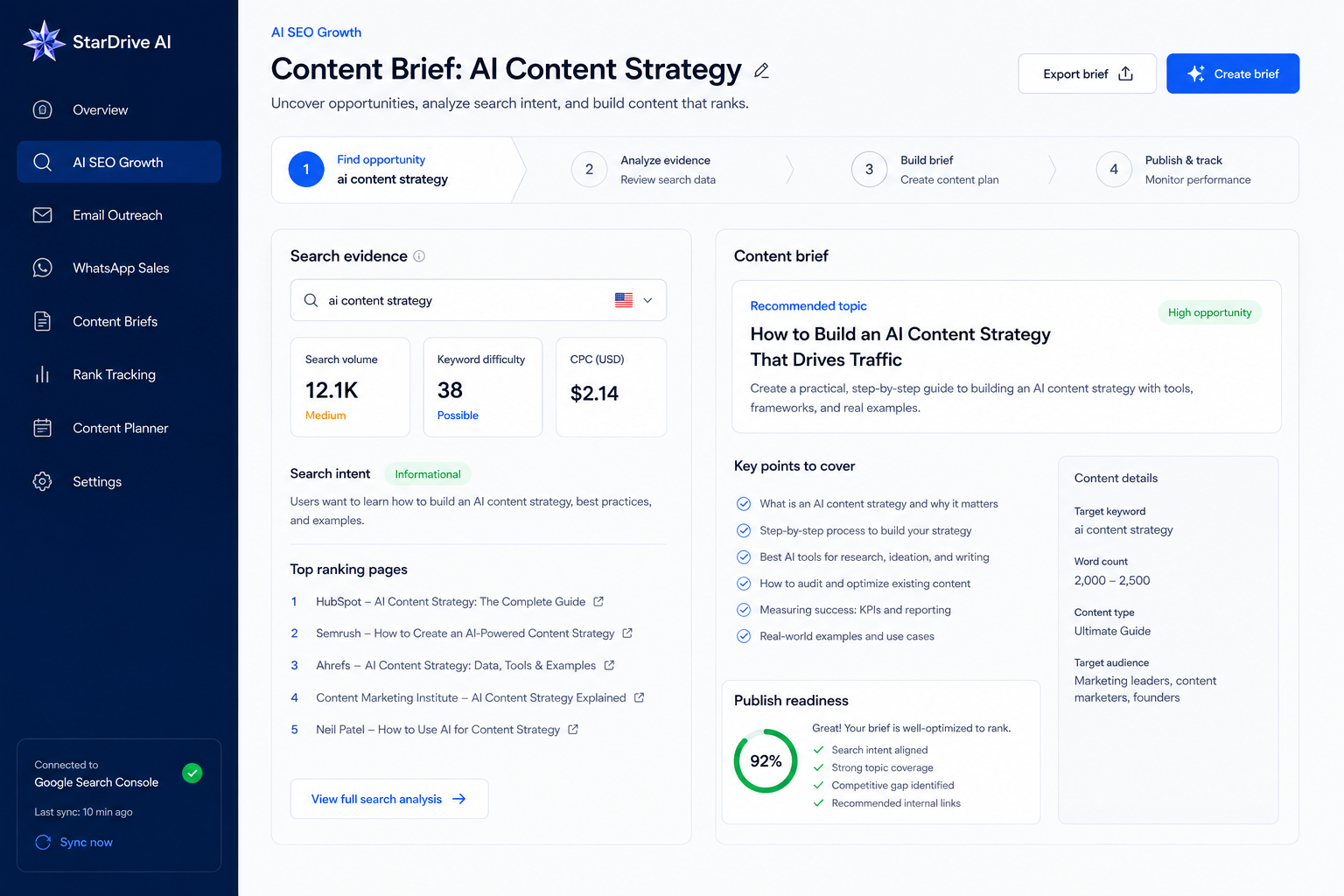
AI SEO Growth workspace with search evidence and a content brief
01 / AI SEO GROWTH

From search evidence to a page worth publishing.

For teams that need a repeatable path from customer site and search data to brief, draft, approval and measurement.

  • Sites and sitemap context
  • Opportunities, research and briefs
  • QA, CMS drafts and GSC learning
Open AI SEO Growth →
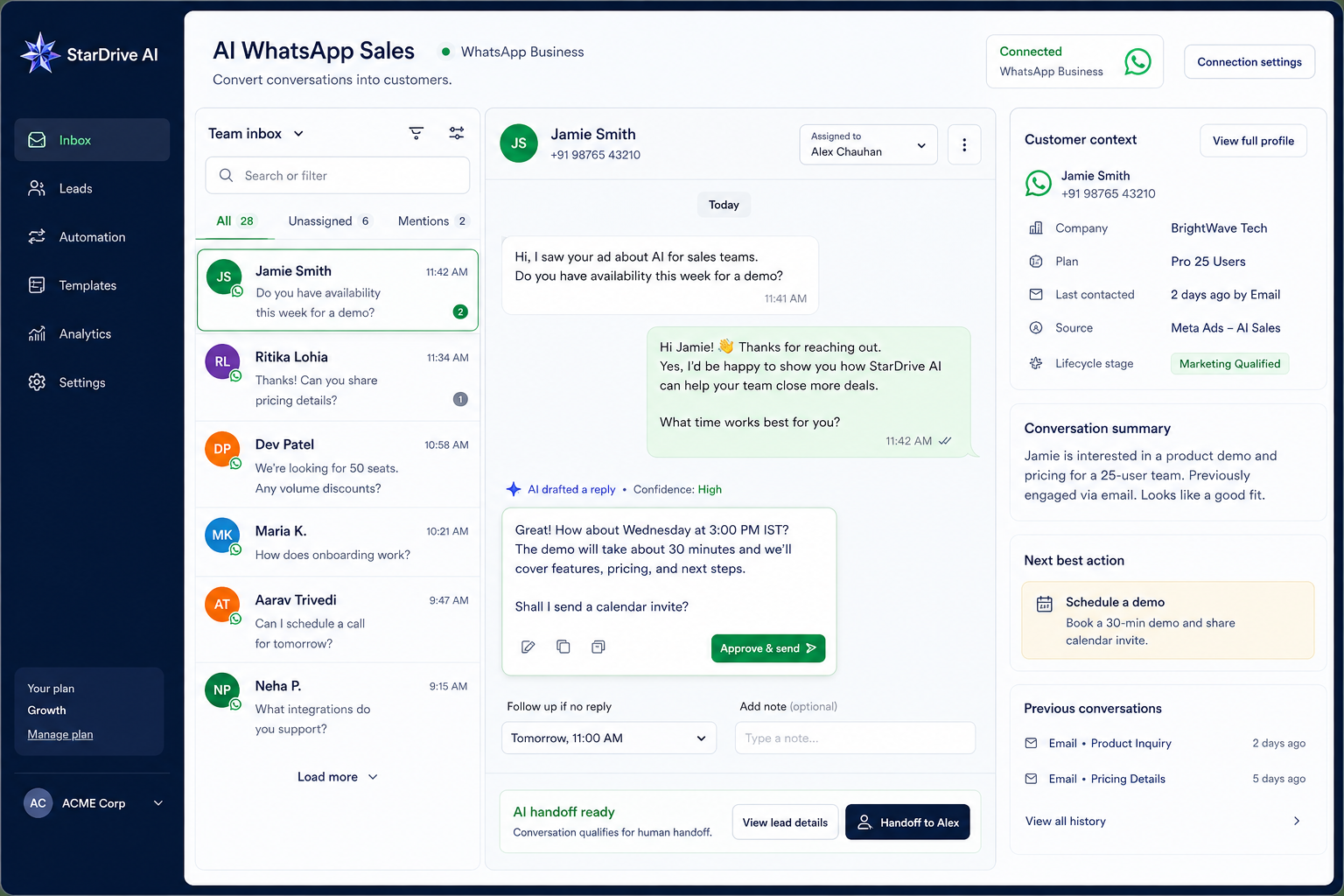
AI WhatsApp Sales workspace with shared inbox and customer context
03 / AI WHATSAPP SALES

From the next customer message to the next clear action.

For teams that need one inbox for routing, context, approved replies, human handoff and follow-up.

  • Customers, conversations and owners
  • Knowledge, templates and channels
  • Response monitoring and escalation
Open AI WhatsApp Sales →
A USEFUL DISTINCTION

The shared brand does not flatten the products.

The right entry point depends on the object, the external connection and the decision your team is trying to make.

WorkspacePrimary objectCore decisionCustomer-owned connection
AI SEO GrowthSite, query, opportunity and pageWhich page should we research, create, review or refresh next?Search Console property and publishing site
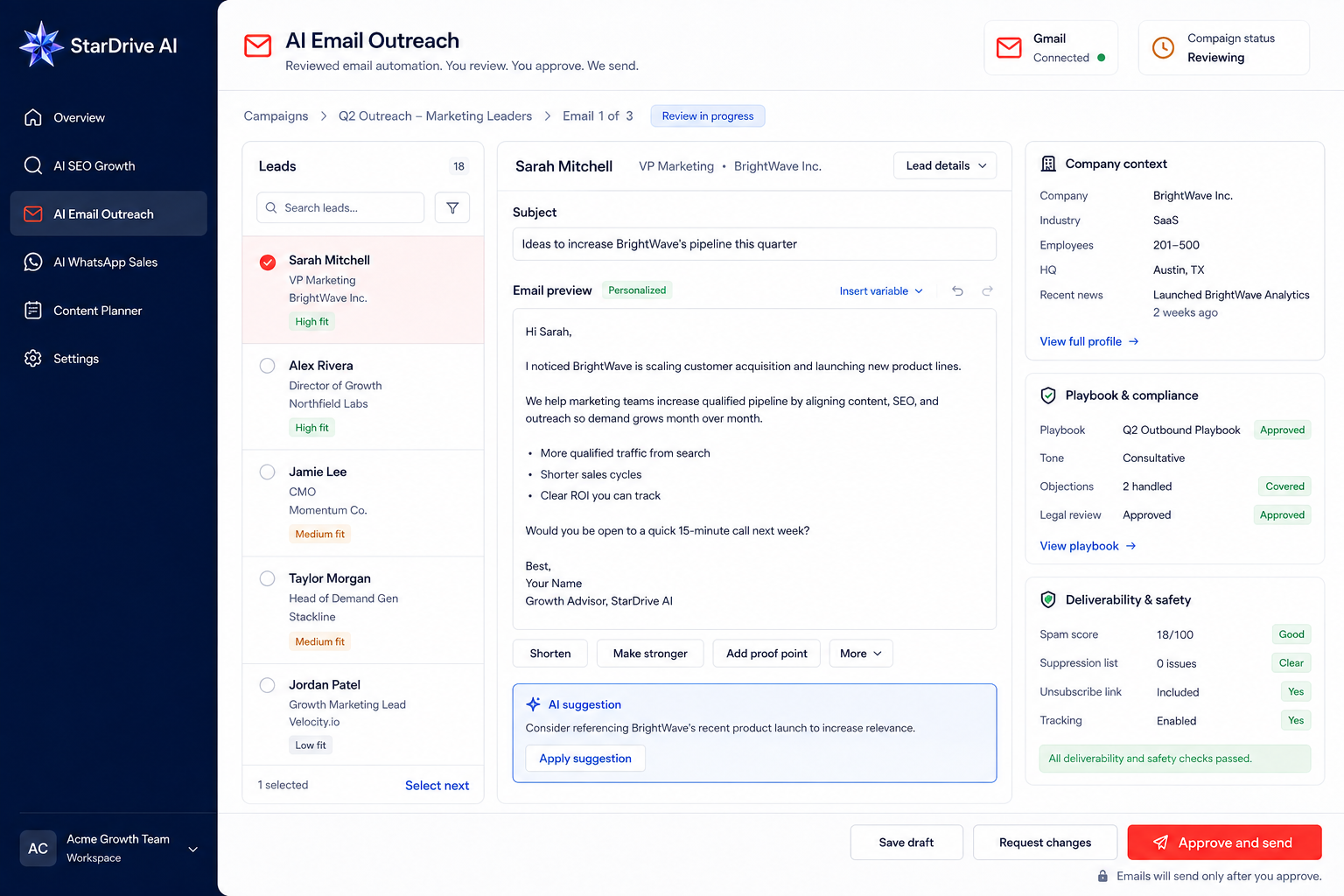
Lead, campaign, thread and draftIs this message supported, safe and ready for a human to send?Gmail mailbox through customer authorization
AI WhatsApp SalesCustomer, conversation and ownerWho should answer, what is approved and what happens next?WhatsApp Business number and channel
ONE ACCOUNT PATH

Sign in once. Enter the product you actually own.

Account identity, product activation and external connection are separate steps. A customer can see the right workspace without being given access to another product’s data or controls.

Open the unified entry →
01

Account identity

Use an email and password or continue with Google to access a StarDrive AI account.

02

Product access

The selected workspace checks activation and role permissions before showing business actions.

03

Customer connection

Only the relevant product asks for its own GSC, Gmail or WhatsApp authorization.

04

Work starts in context

The user lands in a workspace built around sites, leads or conversations — not an empty generic dashboard.

WHAT STAYS SHARED

One brand standard across every workspace.

StarDrive AI identity, typography, navigation, account behavior and review language remain consistent. Product color is a cue, not a separate brand.

Readable first

Large headings, comfortable body copy and clear primary actions. The page should explain the product before asking for access.

Product color with restraint

SEO blue, Email red and WhatsApp green appear in product labels, links and small interaction cues — never as giant pastel panels.

Review is visible

Content, email and customer-facing automation show an explicit review or handoff boundary where it matters.

Internal capability stays internal

Provider names, model names, internal prompts, credentials and worker details do not appear in customer-facing navigation or pages.

READY TO CHOOSE

Start with the workflow that has a real next action.

Explore a product in depth, or talk with us when you need help deciding where to begin.